How to Choose a YouTube Thumbnail Background (and Add Text for Free)
Your thumbnail has a huge say in whether people click your video. And the slowest part of making one is often choosing the background. Here is how to pick a background that keeps your title readable, and how to add text without any software.
Start with the right size
- The recommended size is 1280 × 720 pixels (16:9).
- On phones it shows up tiny, so it should still read clearly when shrunk.
FreeAIPics has a collection of 16:9 images ready for this: see YouTube thumbnail backgrounds.
See more images: youtube thumbnail background →
What makes a good thumbnail background
- Empty space. A calm area at the top or on one side gives your title room. A busy image swallows text.
- Contrast with your text. White text on dark backgrounds, dark text on light ones.
- One clear subject. One person, object or scene that reads at a glance, even on a small screen.
- A match for the video's mood. Clean gradients for explainers, landscapes for travel and vlogs, the product itself for reviews.
Backgrounds that suit each topic
- Study and how-to: desks, notebooks, minimal gradients
- Finance and business: city skylines at night, abstract chart-like visuals
- Food and cooking: a big, close-up food shot
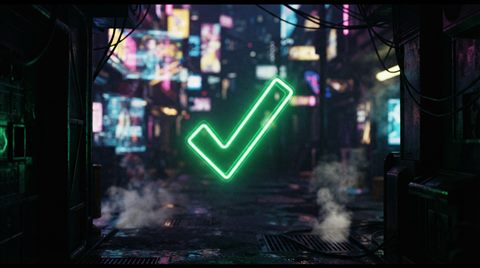
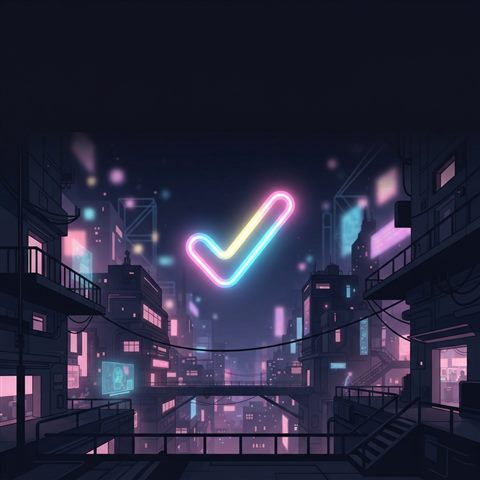
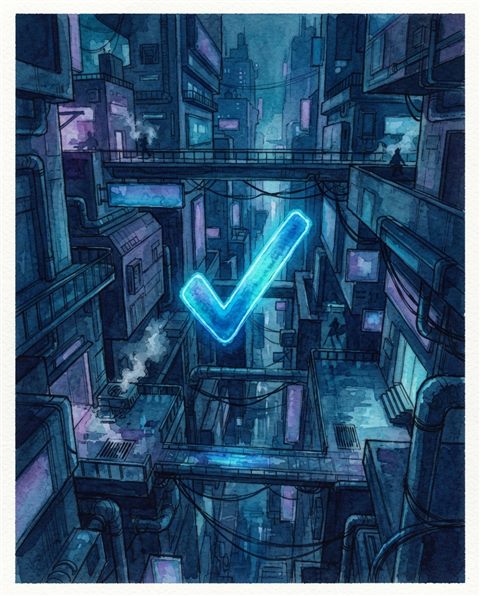
- Gaming and tech: dark backgrounds with neon or cyber vibes
- Travel: landscapes with plenty of sky (put the title in the sky)

See more images: neon background →
Add your title without software
With the FreeAIPics Add text to image tool, you can add a title right in your browser.
- Click Add text on any image page, or open the tool and load an image.
- Type your title, pick the font, size and color, and position it.
- Save it in YouTube size (1280×720).
No sign-up needed, and you can use the result without attribution.
Tips for thumbnail text
- Keep it short: five words or fewer. It doesn't need to repeat the video title.
- Make it big: let the text take up at least half the width.
- Add an outline or shadow: a dark outline keeps text readable on busier backgrounds.
- Stay consistent: a similar font and layout across videos makes your channel recognizable.
Wrapping up
A great thumbnail background is empty space + contrasting colors + one clear subject. Pick the right background, add a big title, and your thumbnail will stand out.