PowerPoint Background Image Size
PowerPoint's default slide is 16:9 widescreen, so a 1920 × 1080 pixel background fits exactly.
| 16:9 widescreen (default) | 1920 × 1080 px |
|---|---|
| Large screens / 4K | 3840 × 2160 px |
| 4:3 (older format) | 1024 × 768 or 1600 × 1200 |
Good to know
- Pick an image that is simple or empty on one side so your text stays readable.
- On a busy background, put a semi-transparent shape behind the text.
- Check the slide size under Design → Slide Size.
Resize to this size
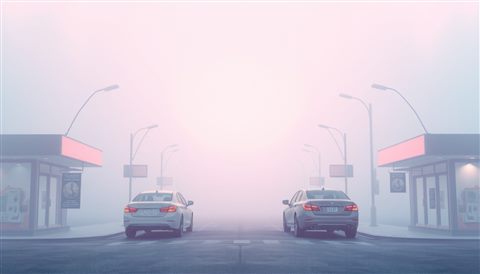
Landscape images that fit











Questions
The image doesn't fill the slide.
Its ratio isn't 16:9. Choose Slides (16:9) in the Image resizer and it is cropped to fit.