Good Luck Cards for Exam Season in 5 Minutes (Free Images + Message Ideas)
Finals week, entrance exams, a big certification test: exam season is stressful for everyone. A short note of encouragement can mean a lot, and you don't need design software to make one. Here's how to turn a free image and a few words into a good luck card in about five minutes.
1. Choose an image with room for words
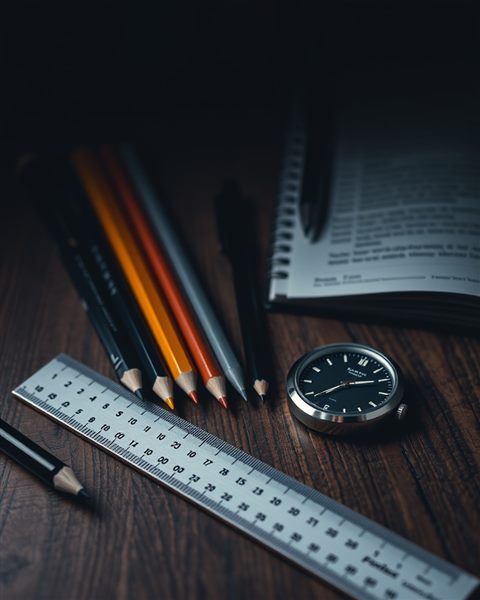
The best card images have empty space for your message, like an open sky or a clear corner of a desk. Simple areas keep your words easy to read.
- Warm and cheerful: bright mornings, sunny skies, a cup of something warm
- Calm and focused: a quiet desk at night, a reading lamp, a stack of books
- Lucky and hopeful: four-leaf clovers, a sunrise




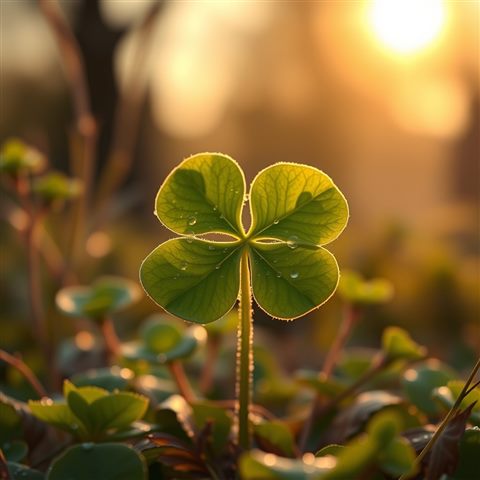
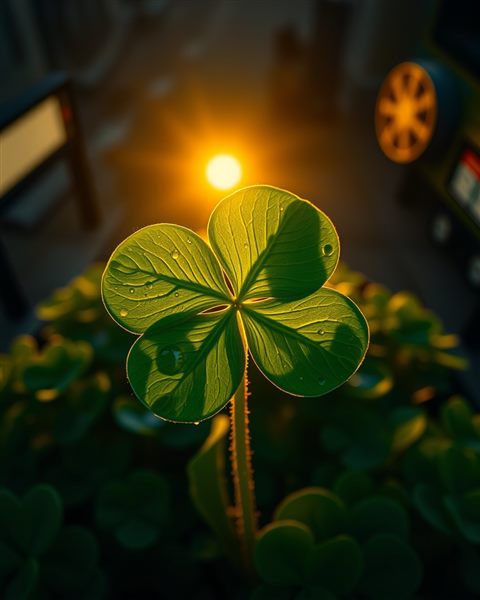
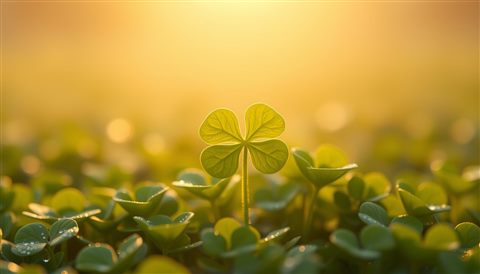
See more images: four leaf clover →
2. Add your message
On any image page, tap "Add text" to write on the image right in your browser. No sign-up, nothing to install.
- Open an image you like and tap Add text.
- Type your message and set the size, color and position.
- Choose a size and save. For messaging apps, square (1:1) or portrait (4:5) looks best on a phone.
3. Good luck messages you can use
Short lines are easiest to read. Use them as they are or add a name.
- You've got this. Go show them what you know!
- All that hard work is about to pay off.
- Deep breath. You're more ready than you think.
- Good luck today. I'm cheering for you!
- Stay calm, trust yourself, and do your best.
- Celebration dinner after the last exam. My treat!
4. A small touch for a gift
Giving snacks or a small gift with your card? Put a transparent PNG, like a star or a clover, in the corner of the card. With no background, it fits any color.




Wrapping up
A great good luck card isn't about fancy design. It's about one sincere sentence. A calm image and a short message are all you need. To everyone studying for exams right now: you've worked hard, and we hope it all goes well!