What Is a Transparent PNG? PNG vs JPG and When to Use Each
When you download an image, you often get to choose between JPG and PNG. Both are image files, so what's the difference? Transparent PNGs in particular show up in design work all the time.
In one line
- JPG: great for photos, smaller files, and the background is always filled in.
- PNG: great for crisp lines and text, and the background can be transparent.
What is a transparent PNG?
A transparent PNG is a PNG file with the area around the subject left empty. Place it on white or on any color and only the subject shows. People also call these "cut-outs".
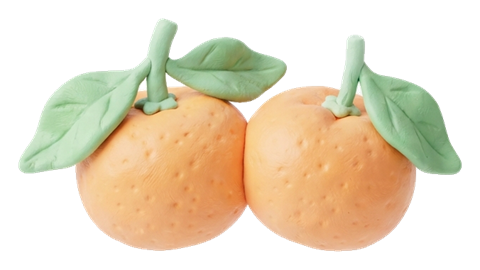
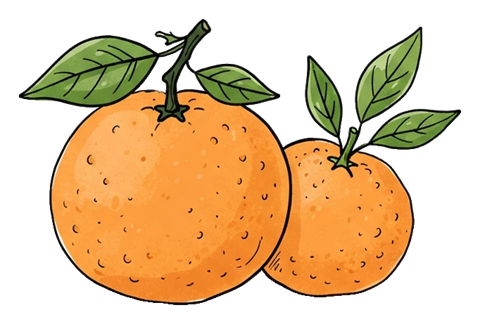
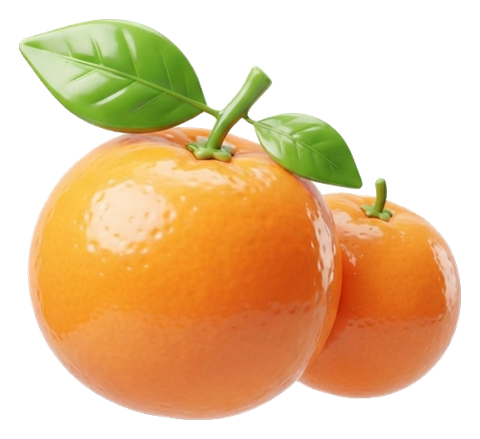
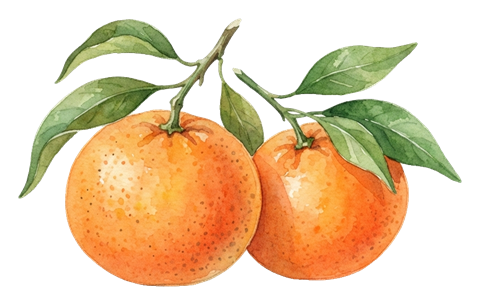
See more images: transparent png →
When to use a transparent PNG
- Presentations: adding icons, arrows and decorations
- Thumbnails and social posts: layering an element on top of a photo like a sticker
- Product pages and flyers: combining an object with a new background
- Video editing: floating a graphic over footage
- Merch design: putting artwork on T-shirts or stickers
When JPG is the better choice
- Using a whole photo as it is (landscapes, wallpapers)
- When file size needs to be small (lots of photos in a blog post)
Watch out for
- Fake transparent PNGs: some files have the gray-and-white checkerboard actually drawn into the image. If you see the checkerboard after placing it, it's not really transparent.
- Edges: fine details like hair or fur can leave a faint outline. Test it on a dark background.
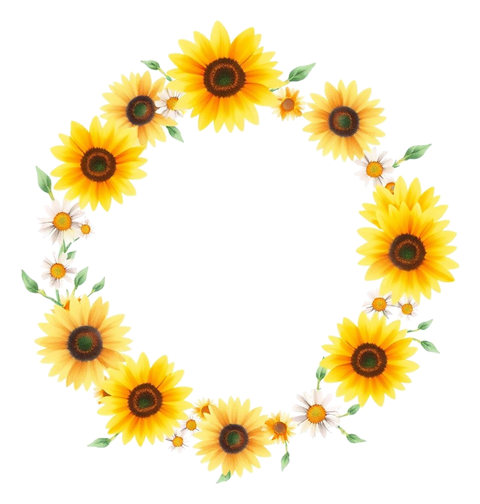
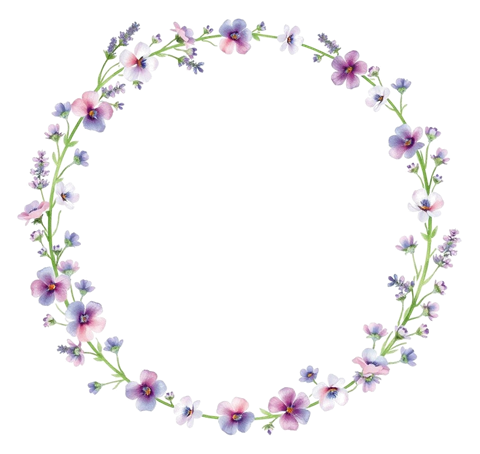
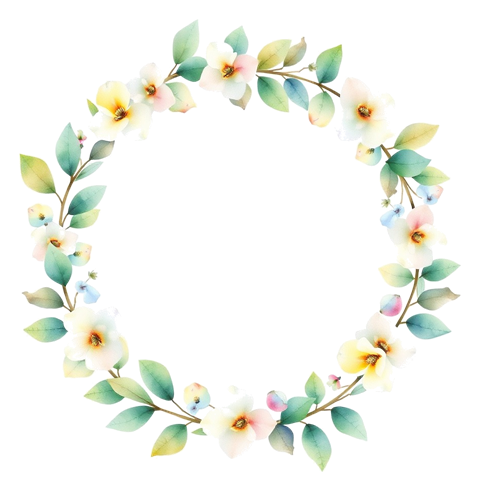
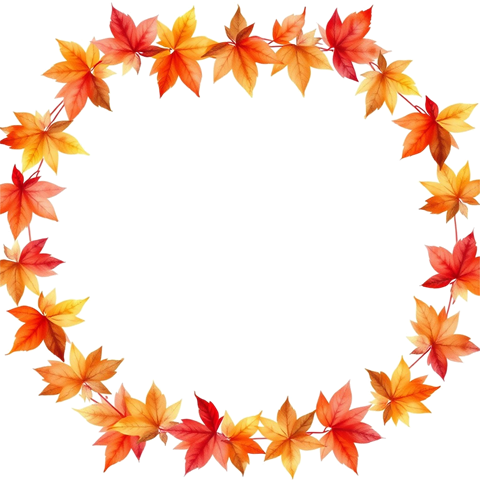
See more images: watercolor wreath frame →
Wrapping up
Photos as JPG, layered graphics as transparent PNG. Remember that and you'll rarely go wrong. Browse arrows, speech bubbles, decorations and icons in our Transparent PNG category.